
Everything Linux: Distros, Guides and News
Compare Linux distros, install them, fix what breaks and follow the news. Commands shown for Ubuntu/Debian, Fedora/RHEL and Arch: no more translating apt to dnf yourself.
# Debian/Ubuntu        # Fedora/RHEL           # Arch Linux
sudo apt install X     sudo dnf install X      sudo pacman -S X
🔥 Right now: Omarchy's new foundation, its plugin ecosystem, and Dell's official Day-One Linux partnership on the XPS 14/16. See the full Omarchy hub →
What do you want to do?
Pick the goal and go straight to the guides.
Choose & Install a Distro
Complete installation guides for 12+ distros: Debian to Arch, desktop to server, beginner to expert.
Getting Started
Terminal basics, filesystem, permissions, and the command-line tools you'll use every day.
Desktop & Customization
Desktop shells, themes and keyboard shortcuts for Hyprland and Omarchy setups.
Fix a Problem
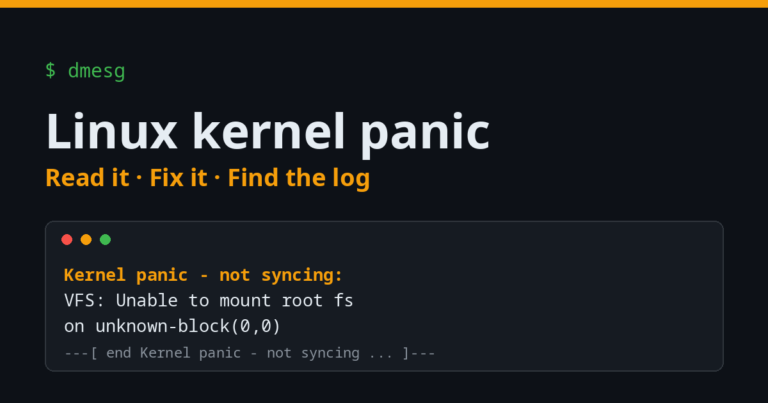
System won't boot, a panic on screen, or no logs after a crash? Start with the kernel panic guide.
More topics:AI & ProductivityServers & CloudGamingSecurity & PentestingAll categories →
Most Read Guides
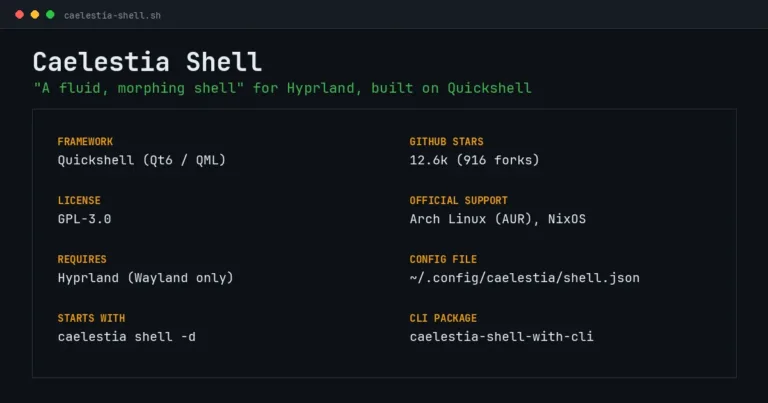
- GuideCaelestia Shell: Complete Guide, Installation and Configuration
What it is, every install method (AUR, NixOS, manual), how shell.json works, and how to stop, restart or uninstall it.
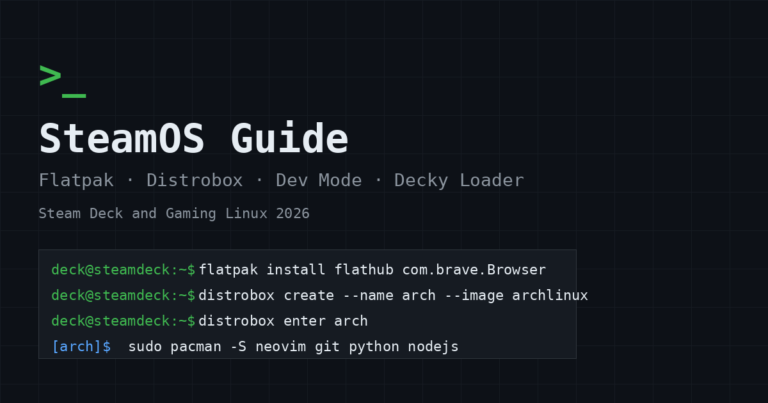
- GuideSteamOS Guide (2026): Flatpak, Distrobox, Developer Mode, SSH and Decky Loader
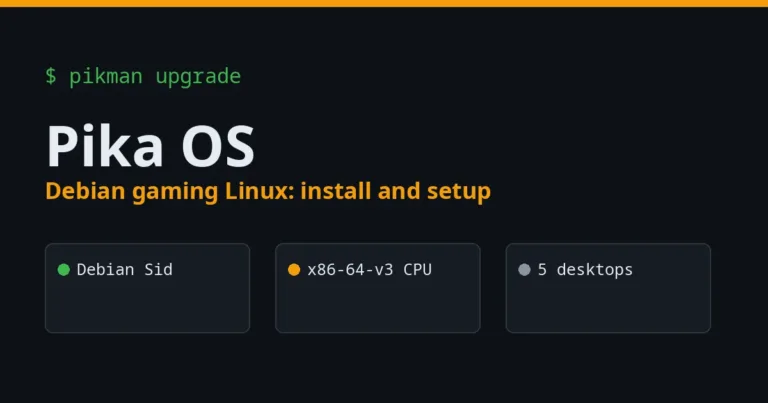
- GuidePika OS: The Debian Gaming Linux for Windows Switchers, Complete 2026 Guide
Latest Guides & News
- GuideGNOME OS Preview: What It Is, How to Install It and What You Get
- GuideLinux Kernel Panic: Every Message Decoded and How to Fix It
- GuideBest Code Editors for Linux in 2026: 14 Editors and IDEs Compared
- GuideHannah Montana Linux: Every Version and How to Try It (2026)
- GuideKDE Linux: Status, Requirements and How to Try the Testing Edition
- NewsUbuntu and NVIDIA OpenShell: Sandboxed AI Agents from a Snap



See all guides →See all news →
Who Writes tuxai.dev

JM Carreira
I’ve used Linux since 2008 and it has been my main system since 2021. When an article has a “Tested on” box, I ran the steps on my Lenovo Tiny. The rest are written from official documentation. More about me and how the content is made.